

AI Governance
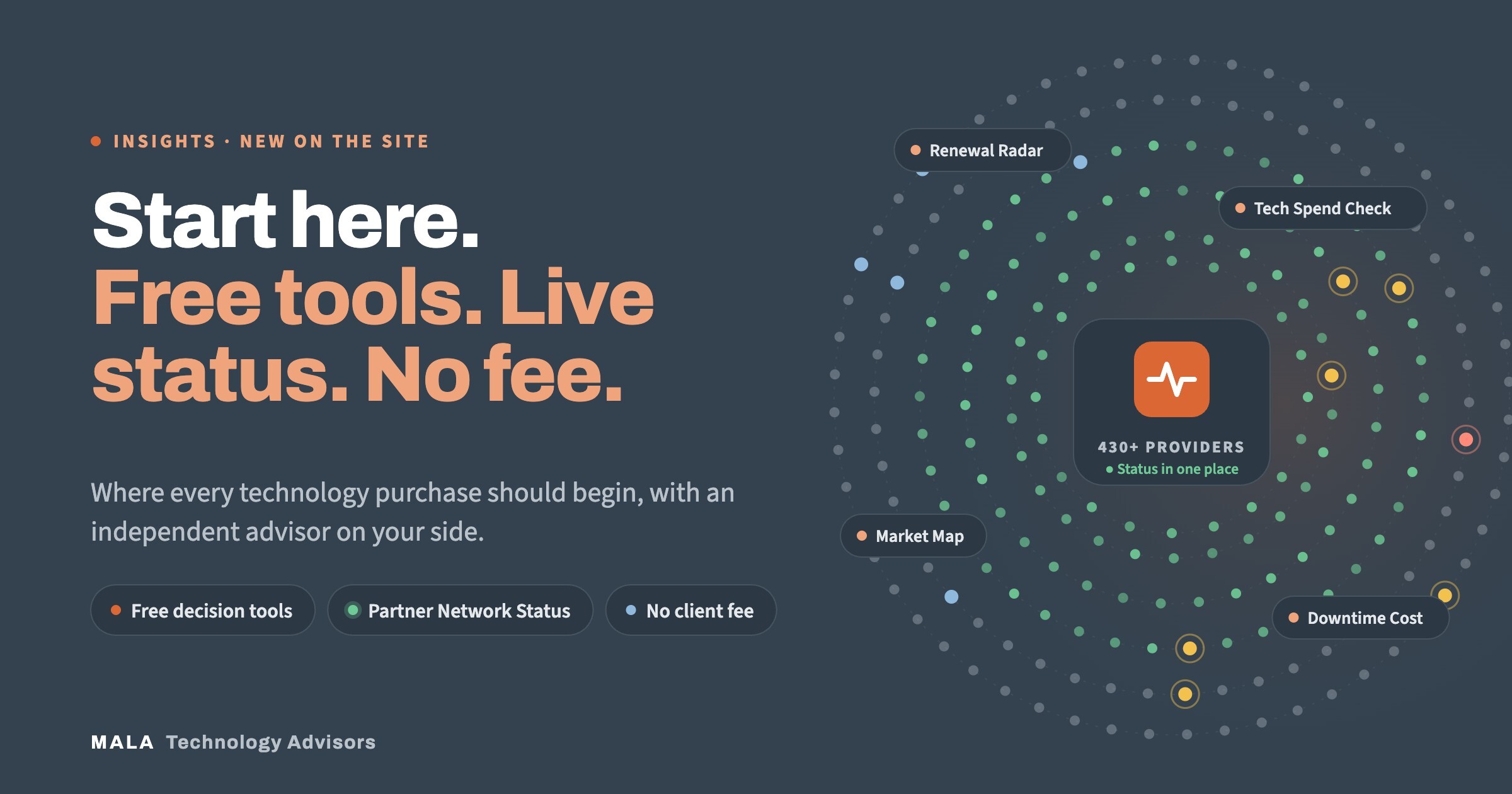

In brief: MALA's new website is built to be the first stop for any technology purchase. It includes free, no-signup decision tools built by current and former technology executives, and a Partner Network Status page that brings the public status of MALA's technology partners into one place, with ticketing and email alerts. Behind both sits the same model MALA has always used: independent advisory and brokerage with no consulting fee to the client.
Most technology purchases don't start with a formal project. They start with a renewal notice, an invoice that looks too high, an outage that happens one time too many, or a board question nobody has a clean answer to. By the time an organization calls a vendor, it has usually already framed the problem around that vendor's product.
We rebuilt the MALA site around that earlier moment. The goal is simple: give technology and finance leaders a place to get their bearings before anyone is selling them anything, and make it easy to bring in an independent advisor when they're ready.
The Tools section holds a growing set of free calculators, scorecards and planners. Each one takes a few minutes, shows results on screen, and requires no signup or sales call. They are vendor-neutral by design: none of them points you to a particular product.
A few that map to the most common starting points:
The point of the tools isn't to replace an evaluation. It's to help you walk into one knowing your own numbers, your own timeline and your own gaps, which is where good negotiations start.
When a service goes down, the first question is always the same: is the problem on our side, or the provider's? Answering it usually means hunting through bookmarks for the right status page, if the provider even has one.
The new Partner Network Status page, under Tools in the site menu, puts that answer in one place. MALA works with more than 430 technology providers. For the ones that publish a public status page, the page pulls what each provider is reporting, so you can tell a provider outage from a local problem before you open a ticket.
Providers marked Live are read directly from the provider's status feed when you open the page, and refreshed every five minutes while it stays open. Providers marked Checked are read by MALA's system once every 24 hours, with the time of the last check shown. In every case the provider's own page is the authority, and every card links to it. MALA doesn't monitor provider networks directly; the page reports what providers say about themselves.
Knowing about an outage is only half the job. The page also helps you act on it:
There's a practical reason to log every outage with the provider, even when it's obvious they already know: a logged outage tied to your account is what supports an SLA credit later. And if the same provider keeps showing up on that page, that's a signal worth acting on. MALA can benchmark the contract against what the rest of the market would offer, including when the right answer is to stay and renegotiate.
The tools and the status page are useful on their own. But they're also meant to lead somewhere: an independent advisor on your side of the table from the first question to the renewal after next.
MALA's process follows the whole life of a technology decision: discover the business and technical requirements, assess the current environment, source qualified providers, compare them on capabilities, economics and fit, negotiate pricing and terms, stay involved through implementation, and keep optimizing through renewals. The tools give you a head start on the first few steps. The status page is part of the last one: staying useful after the contract is signed, when most brokers have moved on.
For standard advisory and brokerage services, MALA charges the client no consulting fee. MALA is vendor-sponsored: the provider you select compensates MALA through its provider relationship. Three things keep that honest:
We've written about this in more detail in What "Zero Upfront Cost" Actually Means in Technology Advisory, and the full breakdown is on How We Get Paid. If you're comparing advisors, these are the questions to ask before you sign.
No. Both are free and open. The tools require no signup, and the status page needs an email address only if you want alert digests.
No. It reports what each provider publishes about itself and links to the provider's page, which is always the authority. It's a faster way to check, not a replacement for your own monitoring.
There's no consulting fee to the client for standard advisory and brokerage services. The selected provider compensates MALA, and you're never obligated to choose a participating provider.
Pick the tool that matches your situation, or bring one renewal, project or risk to a 30-minute call. An advisor responds within one business day.
Start with the free tools, check your providers on Partner Network Status, or talk to an advisor about what's next.
About the author: Eric Anderson is the Founder and President of MALA Technology Advisors. After two decades working with organizations ranging from early-stage startups to Fortune 500 enterprises, he saw the same pattern repeat: significant technology decisions being made without independent, vendor-neutral expertise at the table. He founded MALA to close that gap, and now leads its advisory practice across cybersecurity, cloud, AI infrastructure, and technology procurement.